FeaturedAI Creative
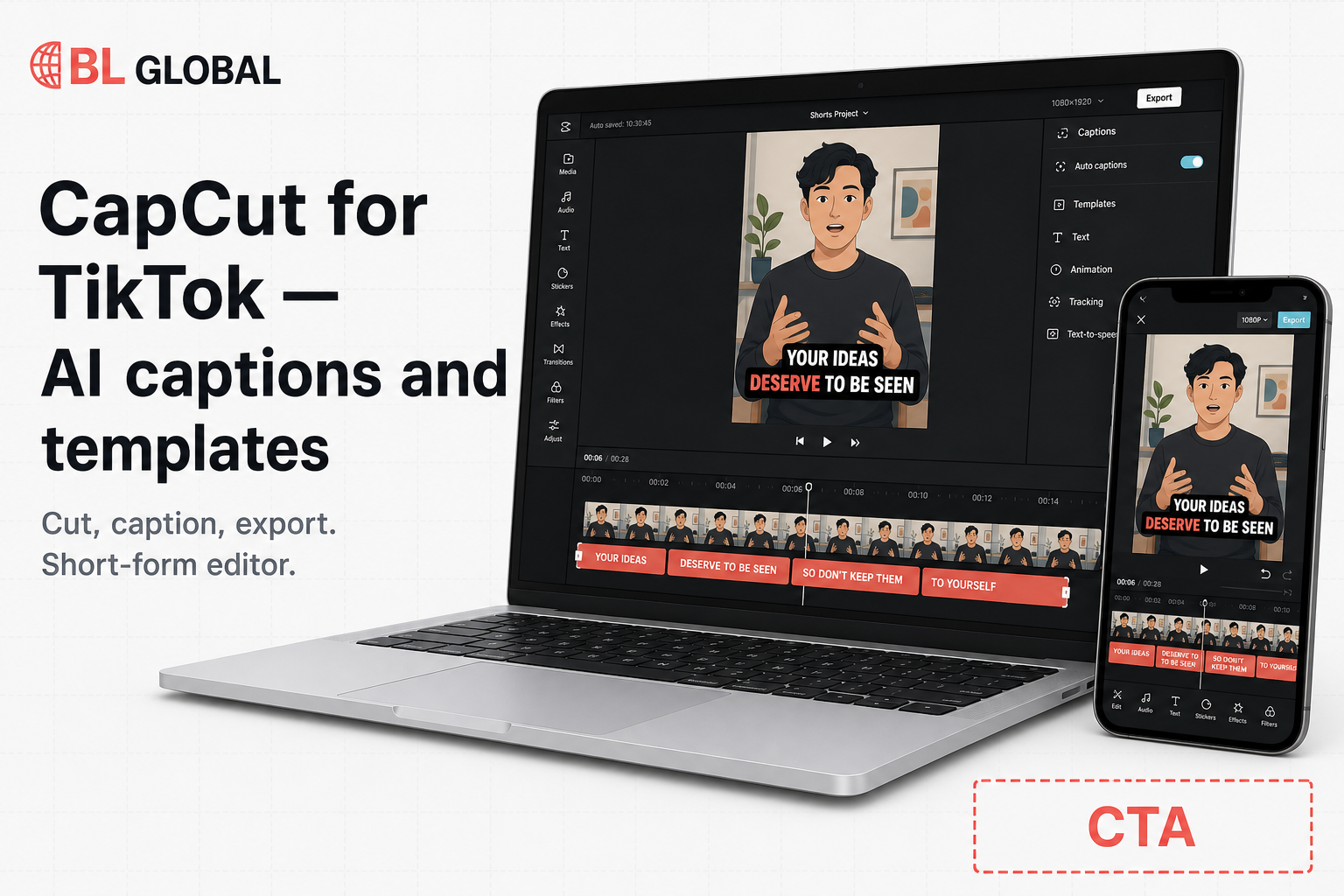
CapCut for TikTok — AI captions and templates
Edit short-form video with AI captions, effects, and templates.
Try CapCut
We may earn a commission if you click through and later buy. It does not change the price you pay.
Edit short-form video with AI captions, effects, and templates.
We may earn a commission if you click through and later buy. It does not change the price you pay.
Edit short-form video with AI captions, effects, and templates. Visit through the sponsored tracking link to see current pricing and availability.
Who: Creators, shop owners, and small teams who already have phone footage (or a screen recording) and need a TikTok-ready short — including Vietnamese-speaking teams posting captioned or bilingual clips. Listed under AI Creative.
Job: Cut, caption, and template that clip for TikTok (and Reels/Shorts) without opening a desktop NLE.
Done when: A vertical video exports with readable captions and a template/effect that fits the feed, same day. CapCut is listed as an editor you cut inside, not a prompt-to-finished generator. This page is a partner listing, not a scored review.
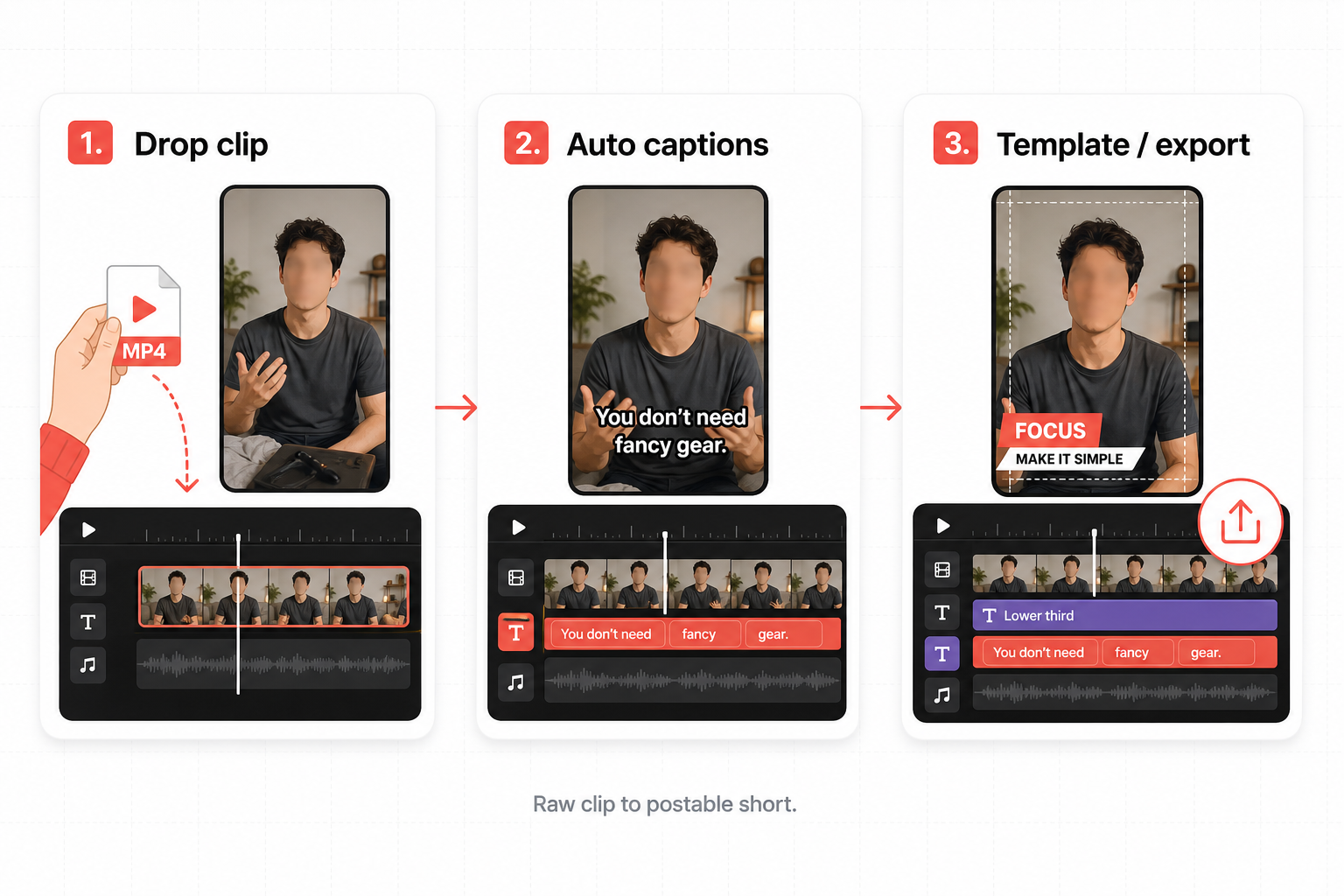
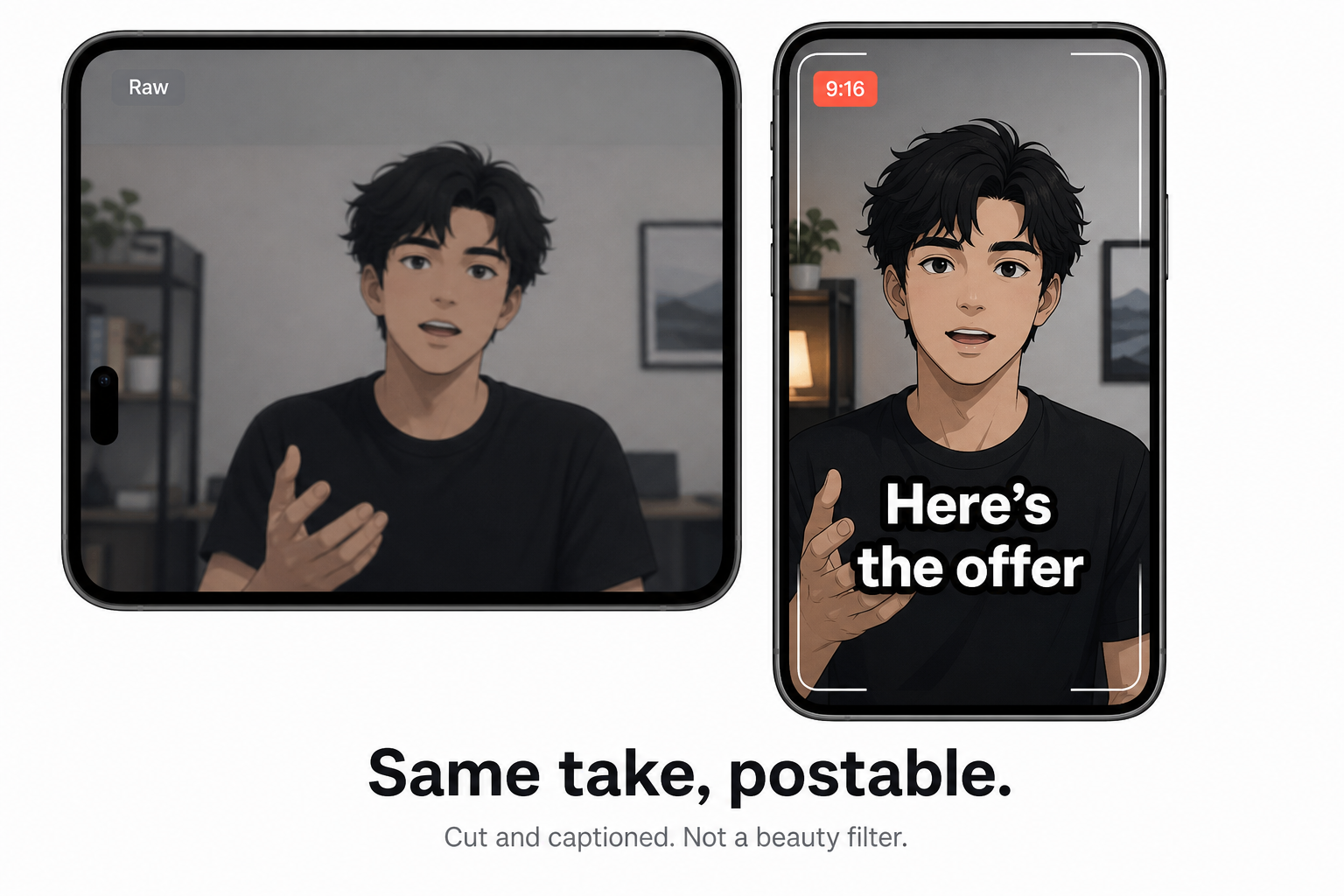
Drop a talking-head or recap into CapCut, run auto captions, restyle the text, apply a short-form template, export 9:16 for TikTok. Same flow works for Reels and Shorts. Confirm language coverage and plan limits on CapCut after the deal click.
Trim the take, remove background or noise, auto-enhance, add captions so the product or face is the subject. Useful for shop-live recaps and founder clips that are unwatchable mute without text.
The free app covers everyday cuts. CapCut Pro (per CapCut Help) unlocks advanced AI such as auto captions, avatars, and generate-image/video, plus more cloud and commercial/premium assets, across mobile, desktop, and web. Standard is the lighter paid tier. Pick the plan on CapCut — we do not assign one for you.
CapCut is ByteDance’s timeline editor for short-form: auto captions, effects, templates, stock, plus an AI layer (captions, avatars, image/video/music, translator). Mobile, desktop, and web. Related catalog tools: InVideo (prompt/script to marketing video) and Kling AI (cinematic generate). Feature availability varies by region and plan.
No dollar amount and no catalog percent as a discount on this page. Check live on partner.
CapCut documents a free app plus paid Standard and Pro memberships (monthly or yearly). Prices vary by region, device, tax, and live promo. Open /go/capcut and use CapCut’s upgrade screen for today’s figures.
The primary CTA is the existing Try CapCut button. This body does not add a second button. We do not write a commission rate as a shopper discount. Check live on CapCut via Try CapCut. Affiliate disclosure stays on the hero CTA only. This is not an independent review, and we do not publish scores or a claim that we tested CapCut.
Strengths. Footage-first: you bring the clip, CapCut cuts and captions it for TikTok. Auto captions, templates, and effects sit on a timeline you still control. Free app to start; Pro when you need the heavier AI and multi-device cloud.
Gaps. You still shoot (or generate) the clip. Advanced AI, credits, and storage sit behind paid plans that CapCut prices per region. Not a script-to-finished-ad generator.
Reels and Shorts use the same vertical-caption workflow; this page leads with TikTok.
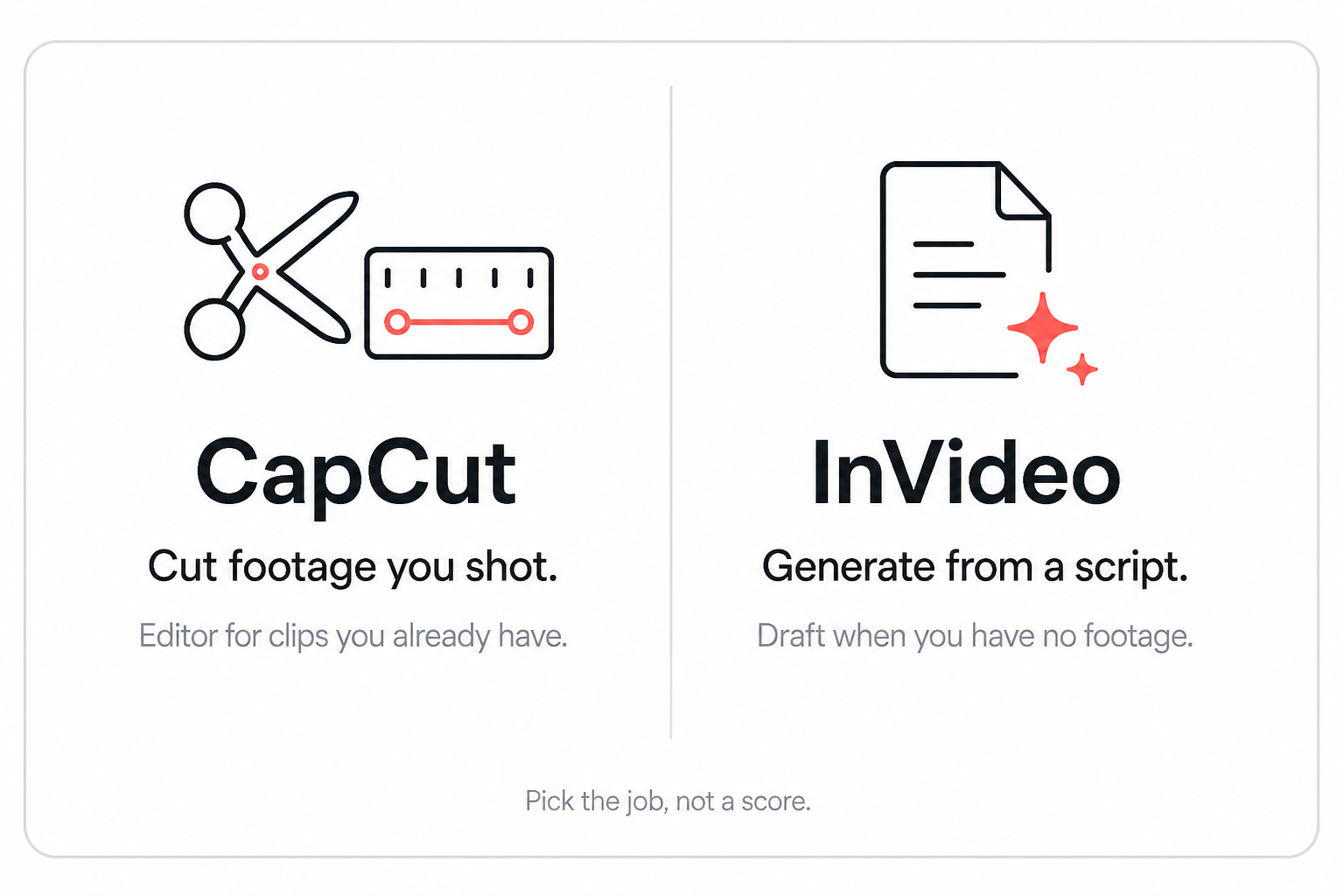
Workflow split, not a test, not a winner, not “I tested both.”
CapCut is the editor for footage you already have: auto captions, templates, and effects for TikTok (same export works for Reels and Shorts).
InVideo is prompt- or script-to a finished marketing video. See InVideo. Kling AI on this catalog is cinematic generate from text or image.
Pick the job, then click through. Do not read this as “best editor 2026” or a CapCut alternative ranking.
An editor. You cut and caption clips on a timeline. Some Pro AI features can generate image or video, but the listing job is short-form editing for TikTok — captions, templates, effects. Generators on this catalog: InVideo and Kling AI.
CapCut has a free app. CapCut Help (2026): Standard is lighter / mobile-leaning; Pro adds advanced AI (including auto captions, avatars, generate), more cloud, and commercial/premium assets across devices. Confirm the live matrix on CapCut after Try CapCut.
Yes, a free app. Paid Standard/Pro prices vary by region. Use Try CapCut (/go/capcut) and check live on partner. We may earn a commission if you later buy; it does not change the price you pay.
More catalog offers in the same category.
Generate and edit images, video, characters, and audio across many AI models.
We may earn a commission if you click through and later buy. It does not change the price you pay.
Turn a prompt or script into a finished marketing video.
We may earn a commission if you click through and later buy. It does not change the price you pay.
Generate cinematic video from text and images.
We may earn a commission if you click through and later buy. It does not change the price you pay.
We may earn a commission if you click through and later buy. It does not change the price you pay.